Free sample lesson · Fundamentals of Network Architecture
Switch Roles
What happens when a single switch runs out of ports for your users?
Lesson 1 of the Wondering course Fundamentals of Network Architecture
When One Switch Is Not Enough
Picture a big office with hundreds or thousands of computers.
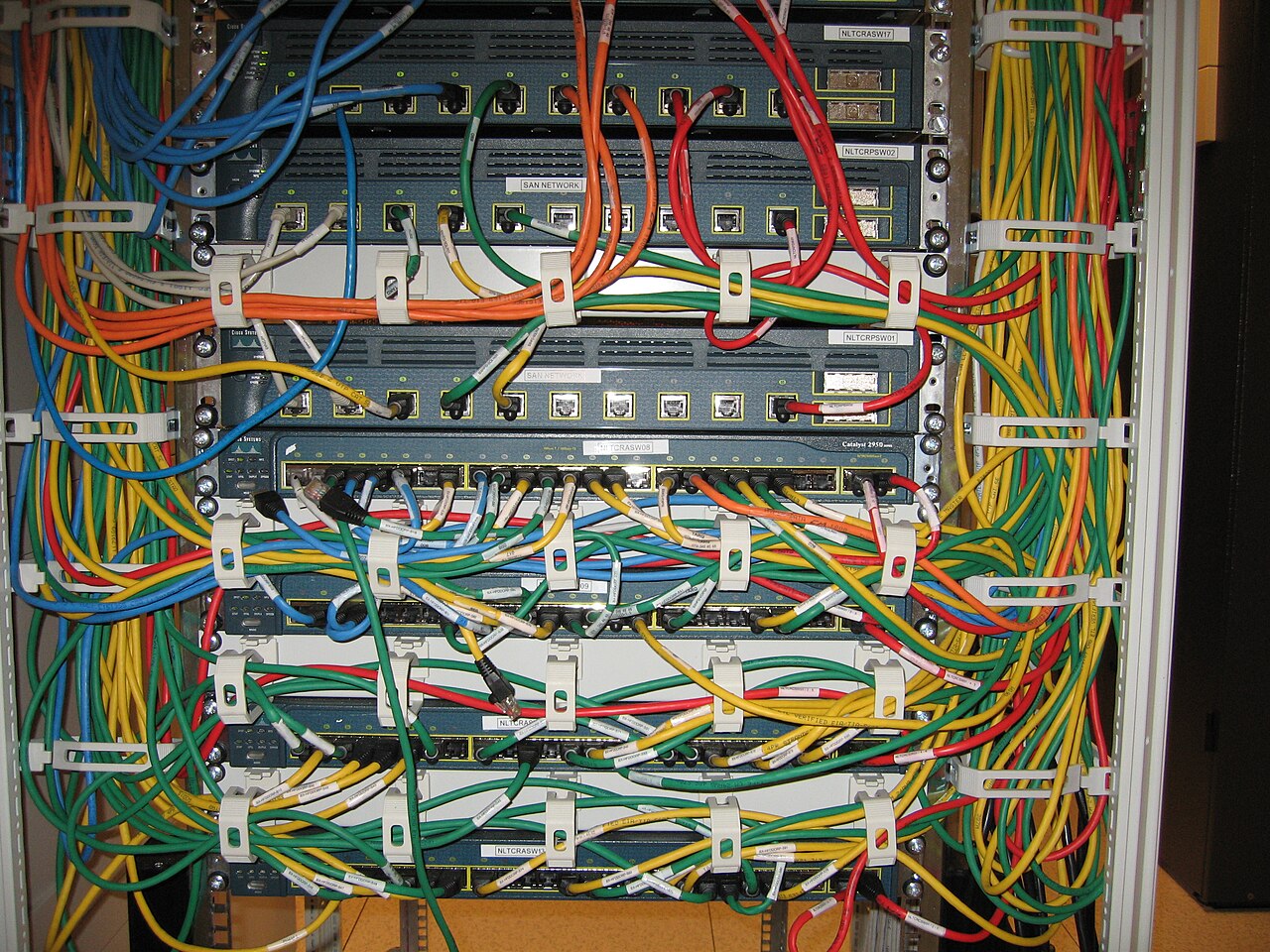
Cisco Catalyst 2950 network switches in situ - IMG 1076 · Jemimus · CC BY 2.0 · Wikimedia Commons
One switch cannot serve them all. You need to buy several switches and connect them together.
But how you connect them matters. Random connections overload links and create bottlenecks.
The answer is a planned structure, not a pile of boxes.
Why Random Wiring Fails
Switches are not equal. Some are powerful, and some are weak.
If you chain a weak switch into a path carrying traffic for hundreds of users, that switch becomes the choke point.
So the design question is simple. Which switch should carry heavy shared traffic, and which should just serve nearby endpoints?
Answering that question is what a hierarchy does for you.
Building a Hierarchy
A hierarchy means arranging switches into layers, with each layer having a defined job.
Traffic then flows in a predictable path instead of wandering across random links.
This also makes growth easy. Need more user ports? Add another switch at the bottom layer.
- Core: The powerful switch installed at the top.
- Distribution: The switches in the middle of a three-tiered design.
- Access: The switches endpoints connect to in order to access the network.
Each layer rests on the one below it.
The layers are named by role: core, distribution, and access.
The Core Switch
At the top you install a powerful switch. This is the core switch.
A Cisco Catalyst 6500 is a classic example of a switch used in this role.
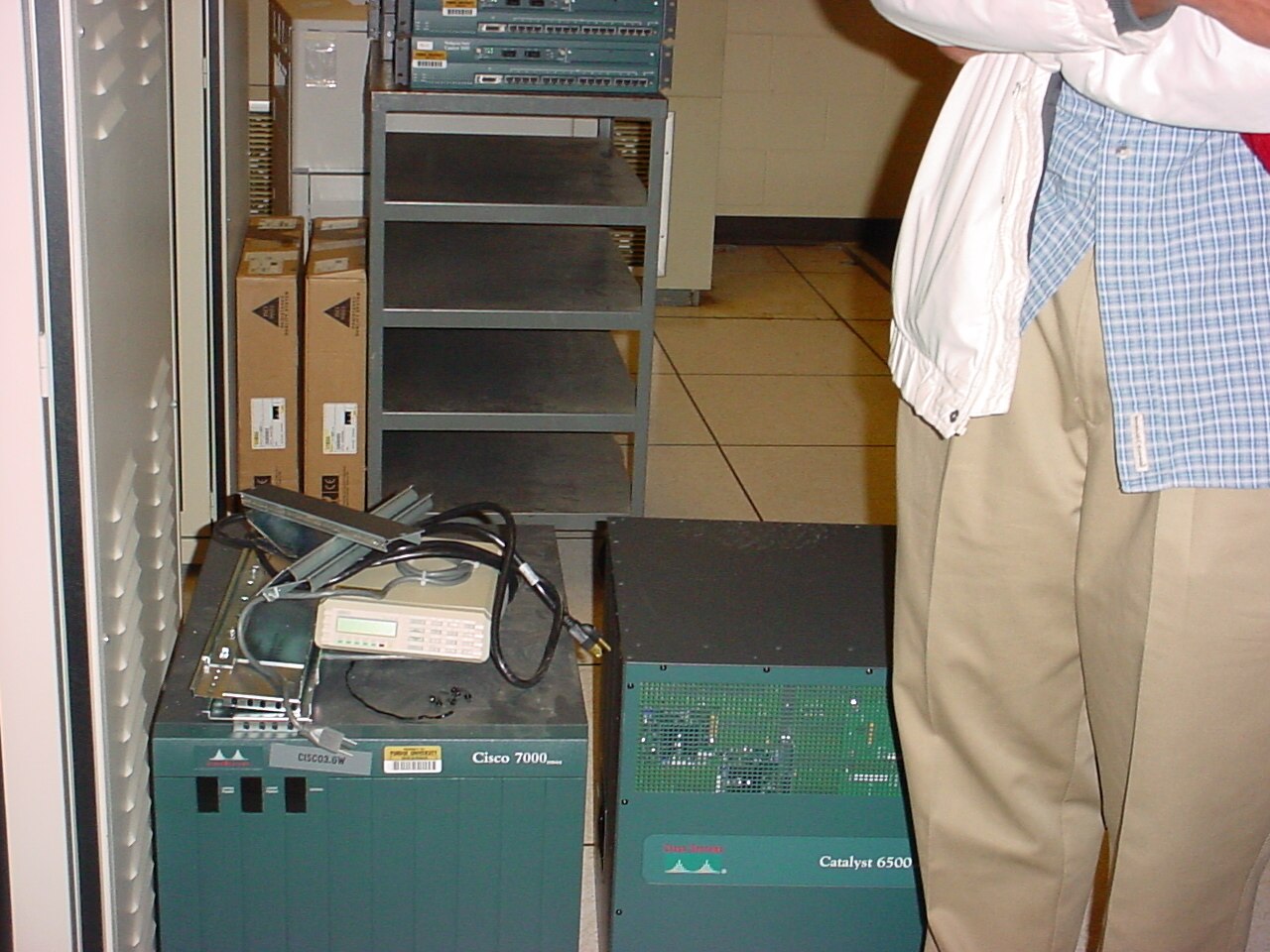
Piles of routers on the floor (14096100453) · Patrick Finnegan from Lafayette, IN, USA · CC BY 2.0 · Wikimedia Commons
The core carries traffic aggregated from everything beneath it, so raw capacity matters here more than port count for users.
No endpoint plugs directly into the core in this design.
The Access Switch
On the layer below the core sit the less powerful switches.
These are called access switches, because endpoints connect to them to access the network.
Laptops, desktops, and phones plug in here. This is the layer that runs out of ports first as your office grows.
- Core switch
- Access switch
Each access switch then uplinks to the layer above it.
The Two-Tier Design
Core plus access gives you a two-tiered network.
Access switches connect upward to the core switch. Users connect into the access switches.
This design has another name you must know: a collapsed core network.
- Core switch: The powerful switch installed at the top.
- Access switch: Endpoints connect here to access the network.
- Endpoints
- Access switch: Less powerful switch connected to the core.
- Endpoints
The name reflects that the core and distribution roles are collapsed into one layer.
The Three-Tier Design
For a really, really big network, build three layers instead.
The switch at the top is still the core switch. The switches at the bottom are still the access switches.
The new middle layer holds the distribution switches. Access switches connect to distribution, and distribution connects to the core.
- Access layer: The switches at the bottom, where endpoints connect.
- Distribution layer: The switches in the middle of a three-tiered network.
- Core layer: The switch at the top of the hierarchy.
Each outer layer connects inward to the next.
This keeps the core from being cabled directly to every access switch in the building.
Choosing Two Tiers or Three
Both designs are valid. The size of the network decides which one you build.
A two-tier collapsed core works when the core can reasonably handle every access switch connecting to it.
A three-tier design is for a really, really big network, where a middle layer is needed to aggregate the access switches.
- Two-tier
- Three-tier
Certification questions often test the alternate name, so remember: two-tier equals collapsed core.
Designing Your Own Hierarchy
Put the steps together the next time you outgrow a single switch.
- Count endpoints: Work out how many computers must connect to the network.
- Size access layer: Add enough access switches for the endpoints to plug into.
- Pick core: Install a powerful switch such as a Cisco Catalyst 6500 at the top.
- Add distribution: Insert middle distribution switches only for a really big network.
Start by counting endpoints, then decide how many access switches you need.
Choose your most powerful switch for the core. Add distribution switches only when the network is really large.
Now you can read any network diagram and name each switch by its role.
Check yourself
In a hierarchical network, should endpoints plug directly into the core switch?
- Yes
- No
Answer: No
No. Endpoints such as laptops and phones connect to access switches. The core handles aggregated traffic from the layers below it.
In a three-tier hierarchy, endpoints connect to _____, those switches uplink to _____, and the middle layer connects upward to the _____.
Answer: In a three-tier hierarchy, endpoints connect to access switches, those switches uplink to distribution switches, and the middle layer connects upward to the core switch.
Access switches serve endpoints, distribution switches aggregate access switches, and the core carries traffic aggregated from the lower layers.
An office is adding more laptops, desktops, and phones. Which switch layer will usually run out of user-facing ports first?
- Access layer
- Distribution layer
- Core layer
- Collapsed layer
Answer: Access layer
The access layer connects directly to endpoints, so its ports are consumed as the number of user devices grows.
Keep going
This is lesson 1 of 6 in Fundamentals of Network Architecture. Next up:
- Hierarchical Design
- Two-Tier Networks
- Three-Tier Networks
- Mesh Topologies
- Spine-Leaf Design
Wondering turns any topic into short lessons you can read, watch, or listen to, with practice questions and an AI tutor.