Free sample lesson · Building User-Facing AI Features
API Integration
How do you connect your product to a model's brain?
Lesson 1 of the Wondering course Building User-Facing AI Features
What You Will Learn
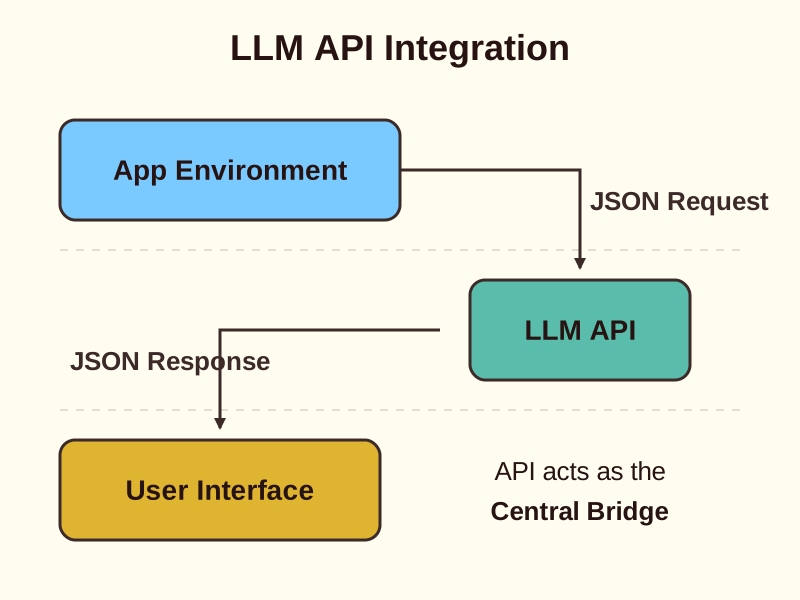
Connecting to LLM APIs is the technical foundation for all AI features.
The Bridge to AI Intelligence
API integration is the technical bridge between your application code and a model's brain. It allows you to transform static software into a dynamic, AI-powered experience.
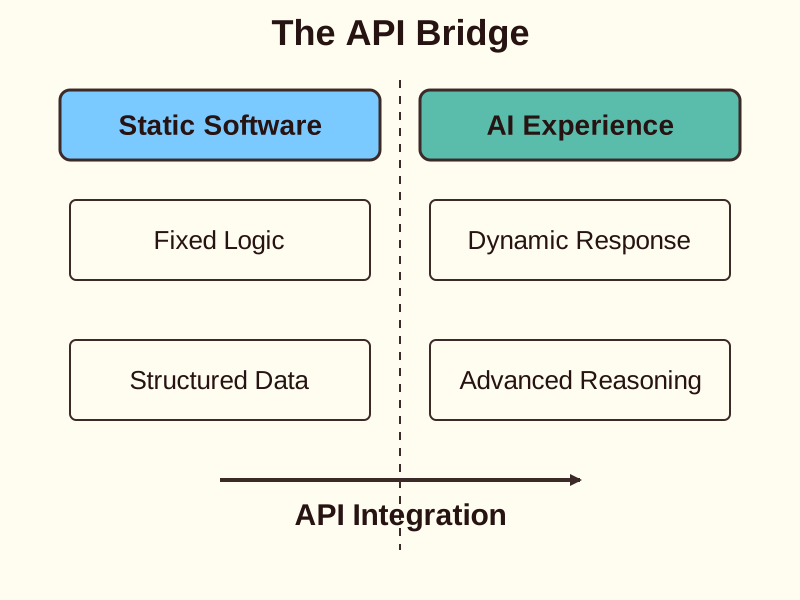
As a Product Manager, understanding this connection is vital. It is the foundation for every AI feature you build.
By sending structured data to providers like OpenAI or Anthropic, you unlock advanced reasoning capabilities for your users.
Structuring the Request
Communication happens through RESTful APIs using HTTP requests. You must format your data into specific JSON structures required by the provider.
Your request includes the user prompt and configuration parameters. For example, temperature controls the randomness of the output.
Setting max tokens limits the length of the response. These settings ensure the model behaves according to your product requirements.
Handling the Response Lifecycle
Once you send a request, the model processes the information and returns a JSON response. This process is often asynchronous due to the time required for generation.
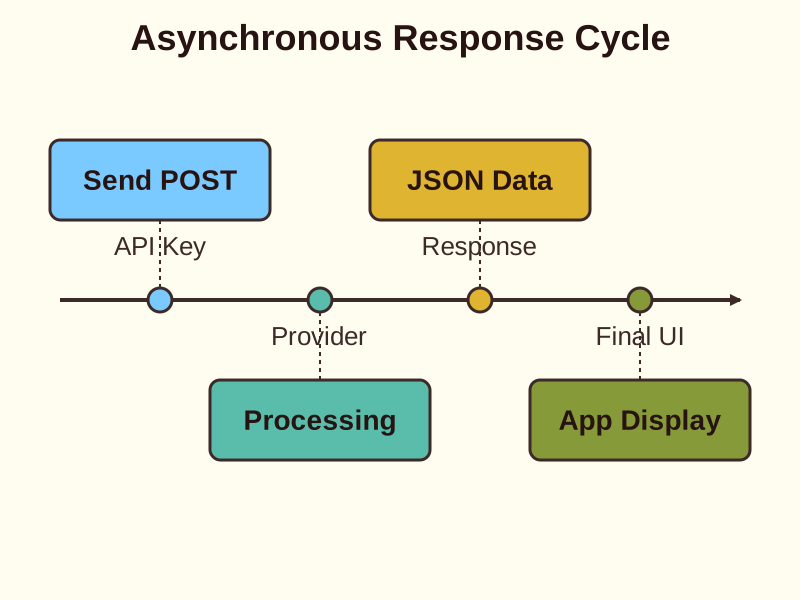
Your application must efficiently capture this output to display it to the user.
Security is a priority during this exchange. You must use API keys to authenticate your requests and protect your account resources.
Managing Real-World Constraints
Integration is not just about the initial connection. You must manage technical challenges like latency and rate limiting.
Models take time to think. This delay can impact the user experience if not handled with loading states or streaming.
- Standard Request
- Streaming
Reliable pipelines also require error handling. You must prepare your code for instances when the model provider is unavailable or the request fails.
How to Apply It in Real Life
- Define Schema: Structure the JSON request with the document text and a low temperature for accuracy.
- Secure Keys: Store API keys in environment variables, never in client-side code.
- Manage UX: Implement streaming or loading states to handle the model's generation time.
- Monitor Limits: Set up error handling for rate limits and provider downtime.
Check yourself
To authenticate your request and protect account resources, you must use _____.
- API keys
- JSON structures
Answer: API keys
API keys act like a password to identify your application and authorize access to the model provider.
When building AI features, _____ controls the response length, while _____ refers to the time delay before the user sees a response.
Answer: When building AI features, max tokens controls the response length, while latency refers to the time delay before the user sees a response.
Max tokens is a hard limit on output size, whereas latency is a performance constraint that affects user experience.
If a model takes a long time to generate a response, which strategy best improves the user experience?
- Increase the max tokens limit
- Implement loading states or streaming
- Lower the API key security level
- Send the request using a synchronous loop
Answer: Implement loading states or streaming
Since generation is asynchronous and can be slow, showing a loading state or streaming text as it's generated prevents the app from appearing frozen.
Keep going
This is lesson 1 of 5 in Building User-Facing AI Features. Next up:
- Prompt Engineering
- Feature Design
- Output Validation
- Deployment Strategy
Wondering turns any topic into short lessons you can read, watch, or listen to, with practice questions and an AI tutor.