Use Wondering
Create a course for anything you want to understand, then learn it through short lessons, practice, conversations, and podcasts.
Canvas
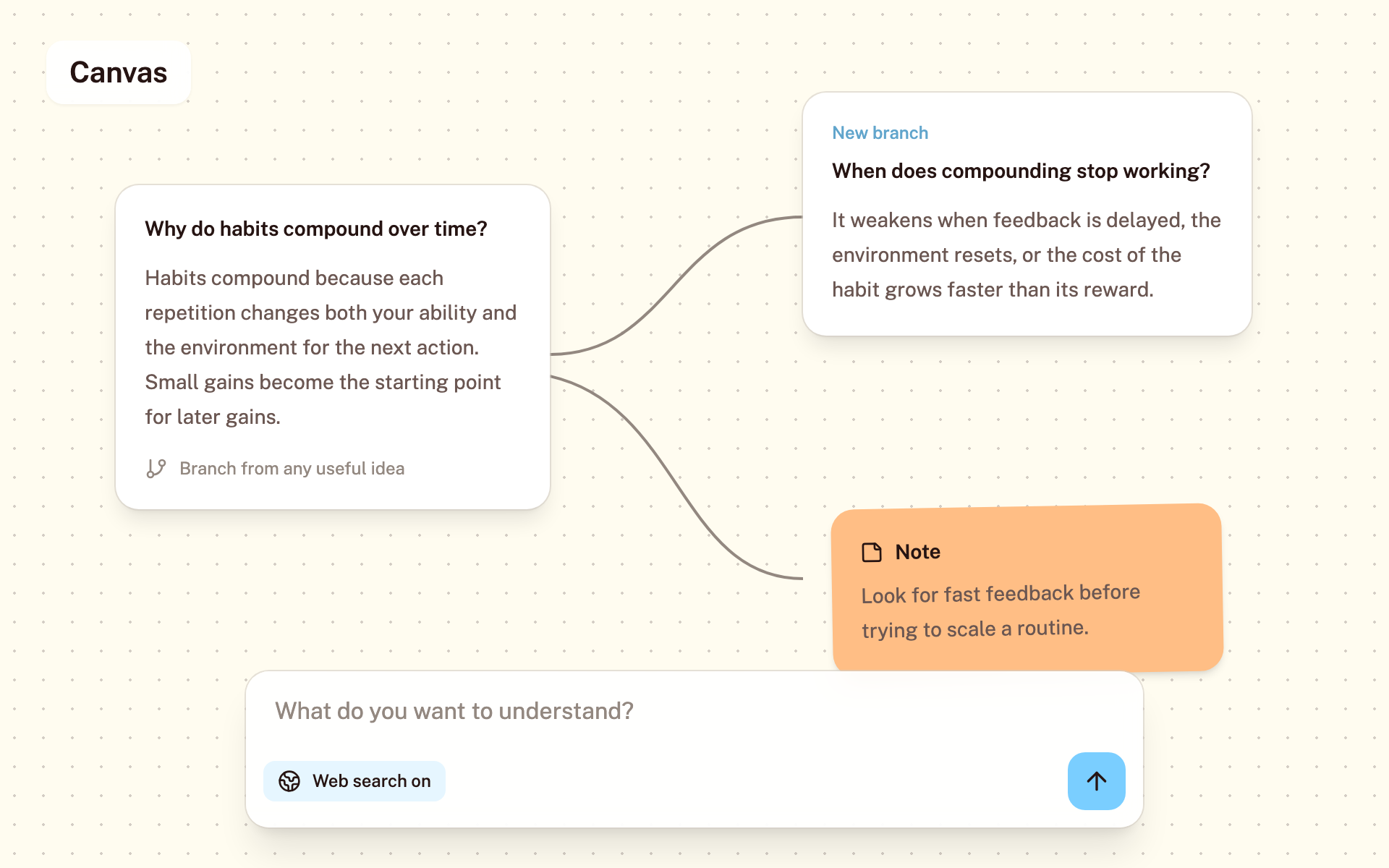
Canvas is a web workspace for exploring several lines of thought at once. Each question becomes a movable card, so follow-ups, branches, notes, and useful excerpts stay visible together instead of getting buried in one long chat.
Use Canvas when one question leads in several directions. Compare explanations, examine an alternative, or follow a side question while keeping the original conversation in view.
- Open Canvas from the desktop navigation and ask your first question.
- Ask inside a card to continue that thread, or choose Ask in a new branch to compare another direction without losing context.
- Select useful text to save a highlight, make a note, or dive deeper. Drag cards to organize the board and copy the Canvas link when you want to return to it.
Example: understand how habits build over time
- Start with “Why do habits compound over time?” and read the first explanation.
- Branch into “When does compounding stop working?” Keep both explanations side by side so you can compare the idea with its limits.
- Highlight a useful passage and add a note about how it applies to your routine. Move the cards to keep related ideas together.
You can read this guide without an account. To ask questions and save a board, open Canvas and sign in to Wondering.
Open Canvas