How to turn any article, PDF, or video into a course
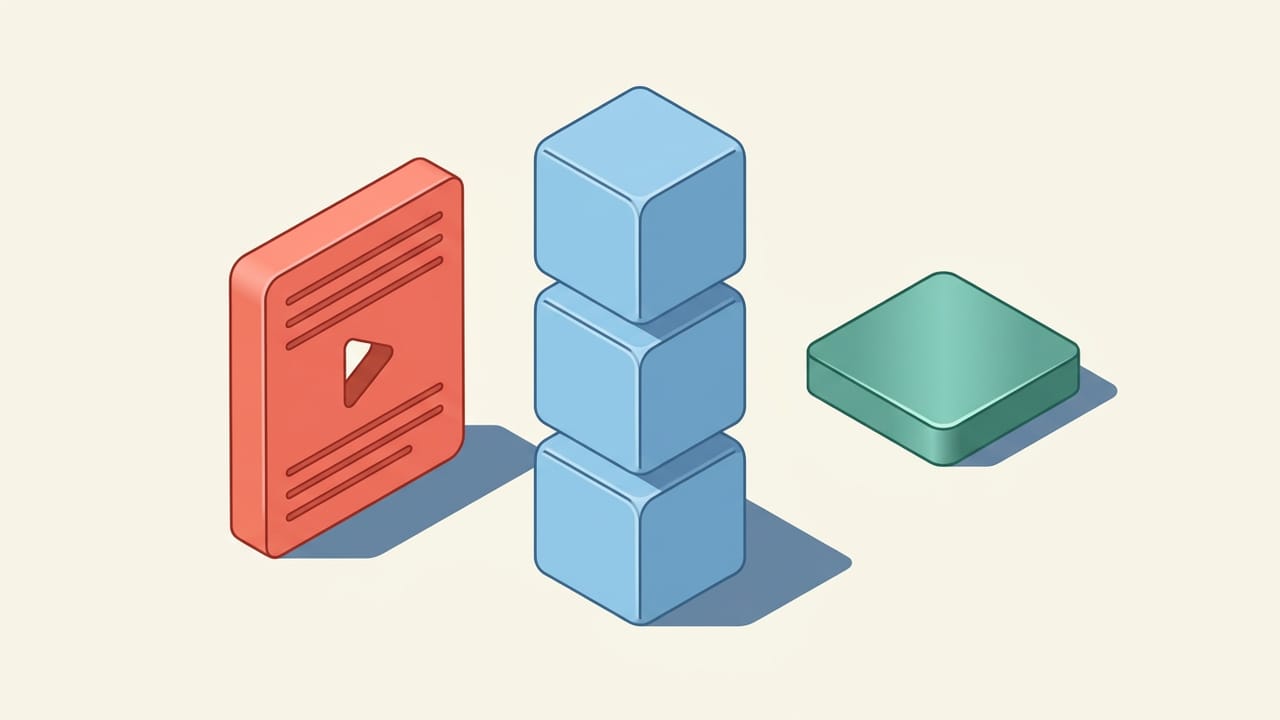
To turn an article, PDF, video, podcast, or your notes into a course, decide what you want to be able to do afterward, split the material into small ideas, put those ideas in an order where each one builds on the last, and turn each idea into a short lesson that ends with a few questions. Then answer those questions again over the next days so the ideas stay with you. Wondering does these steps for you: paste a link or text, or upload a PDF or photos, tell it your goal, and it builds an ordered course of 3-minute lessons with practice and spaced review.
| Source | How to add it to Wondering | Good to know |
|---|---|---|
| Article or web page | Paste the link | The page needs to be public. For a page behind a login, copy the text and paste it instead. |
| Upload the file or paste a link to it | Uploads take PDFs up to 50 MB. If a linked PDF is too large to read, upload the file instead. | |
| YouTube video | Paste the video link | Wondering reads its captions. A video without captions works if it is 20 minutes or shorter. Add one video at a time, since playlists are not read. |
| Podcast episode | Paste the Apple Podcasts episode link | Works when the show publishes a transcript. If it does not, paste the transcript or show notes as text. |
| Your own notes | Paste the text | Class notes, meeting notes, or a draft you are working on all work. |
| Photos of pages or slides | Upload the images | Up to 10 images, 10 MB each. |
1. Decide what the course is for
Start with one sentence about what you want to be able to do when you finish. "Explain how a transformer works to my team" leads to a different course than "pass the exam on chapter 4", even from the same source.
The goal tells you what to keep and what to skip. Most long sources cover more than you need, and a course that tries to teach all of it is harder to finish.
2. Split the material into small ideas
Go through the source and write down each idea you need to understand, one line per idea. A good idea is small enough to explain in a few minutes and big enough to ask a question about.
Each idea becomes one lesson. Short lessons are easier to start on a busy day, and they make it clear what you have learned so far.
Read a lesson from a course on Attention Is All You Need
3. Put the ideas in order
Order the lessons so each one only needs what came before it. Sources are not always written this way. A paper may use a term on page 2 that it defines on page 9, and a video may jump back and forth.
Group related lessons into a few sections. Sections give you natural stopping points and make the course easier to come back to after a break.
4. End every lesson with questions, then review
Close each lesson with two or three questions you answer without looking back. Pulling an idea out of memory is what you will need to do later at work or in an exam, so practice that instead of rereading.
Come back to the questions over the following days, with more time between each review as an answer gets easy. Questions you miss come back sooner. This is spaced repetition, and it is how a course you finish once turns into something you still know next month.
5. Let Wondering build the course for you
In Wondering, start a new course and add your source: paste a link or text, or upload a PDF or up to 10 photos. Wondering asks what you want to learn from it, suggests a name and goal for the course, and writes a plan of sections and lessons in order. You review the plan before the course is created.
Each lesson takes about 3 minutes, and you can watch it, listen to it as a podcast, or read it. Lessons end with practice questions, spaced repetition brings questions back across all your courses before you forget them, and an AI tutor answers your follow-up questions. Wondering runs on the web and iPhone and is free to start, with daily limits.
Wondering also makes polished courses and polished lessons of its own, ready-made in the public library. So the course you build from your source sits next to everything else you learn: other courses for your work, your interests, and whatever you get curious about next, all in one place.
Turn a source into a course on Wondering
A course or a research notebook?
A course is the right tool when you want to understand a subject step by step and keep it. If you mainly need to search across a pile of documents, pull out quotes, or write a report from them, a research notebook such as NotebookLM fits better.
If you have no source yet, you can also start from a topic, or pick a polished, ready-made course from the public library.
Questions
Can I turn a YouTube video into a course?
Yes. Paste the video link when you create a course in Wondering, and the lessons are built from the video. Wondering reads its captions. A video without captions works if it is 20 minutes or shorter. Add one video at a time, since playlists are not read.
How do I make a course from a PDF?
Upload the PDF when you create a course in Wondering, and it turns the document into an ordered course of short lessons. Uploads take PDFs up to 50 MB. You can also paste a link to a PDF, but very large linked files need to be uploaded instead.
Can I turn a podcast episode into a course?
Yes, when the show publishes a transcript. Paste the Apple Podcasts episode link and Wondering reads the transcript from the show. If there is no transcript, paste the transcript or detailed show notes as text.
What is the difference between a summary and a course?
A summary tells you what a source says once. A course breaks it into lessons in order, asks you questions at the end of each one, and brings those questions back over the next days, so you can use the ideas later instead of only recognizing them.
Is it free to turn a link into a course on Wondering?
Yes. The free plan includes 3 of your own courses a month and 5 lessons a day, and those courses can come from a link, text, a PDF, or photos.